Use a separate phone number to receive your Grindr verification code without using your personal number.
PairSMS gives you a real SMS-capable number for Grindr signup, account setup, and one-time code verification. Helpful when your current number is unsupported, private, or not receiving the SMS code.
How Grindr Users Can Verify Their Account With PairSMS
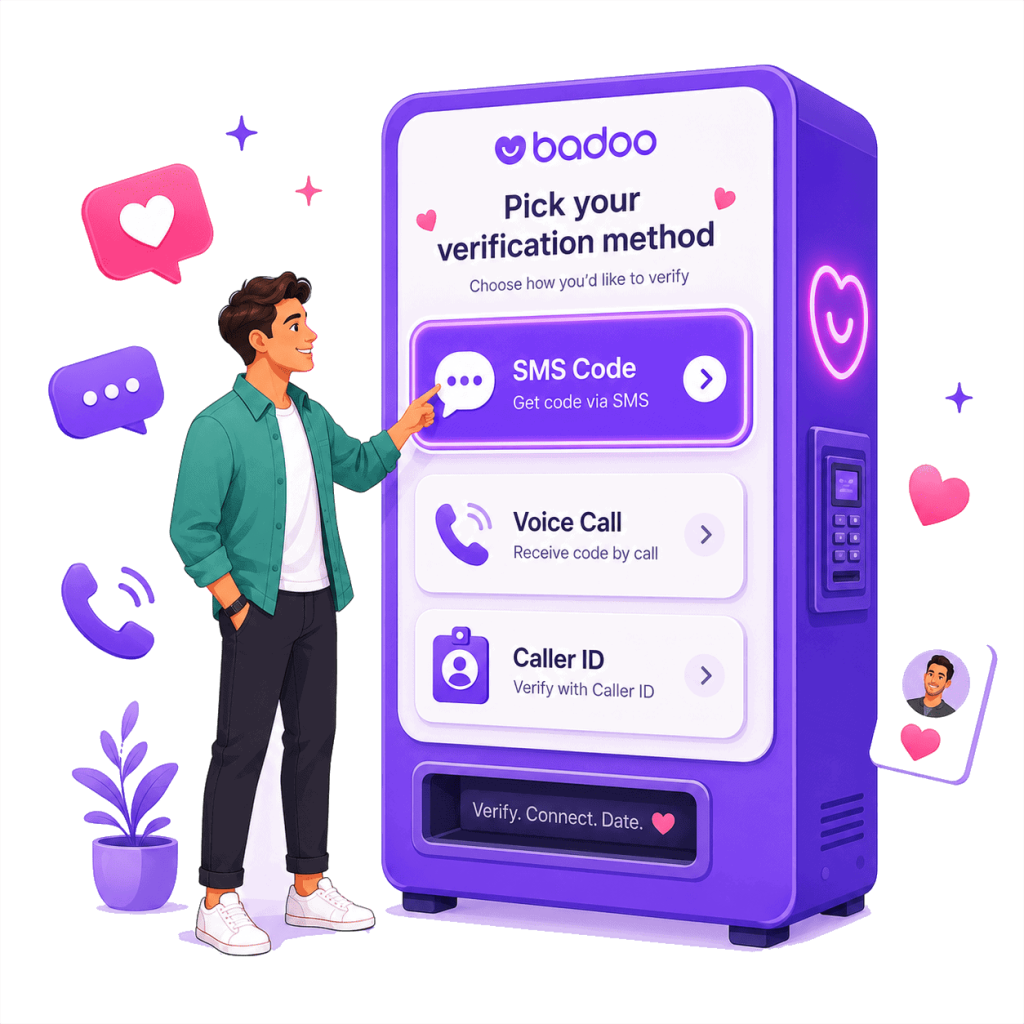
1. Choose Grindr and Select Your Phone Number
Pick Grindr from the supported dating apps list and choose the country you need for SMS verification.
You’ll get a separate phone number that can be used during Grindr signup, phone verification, or account setup.
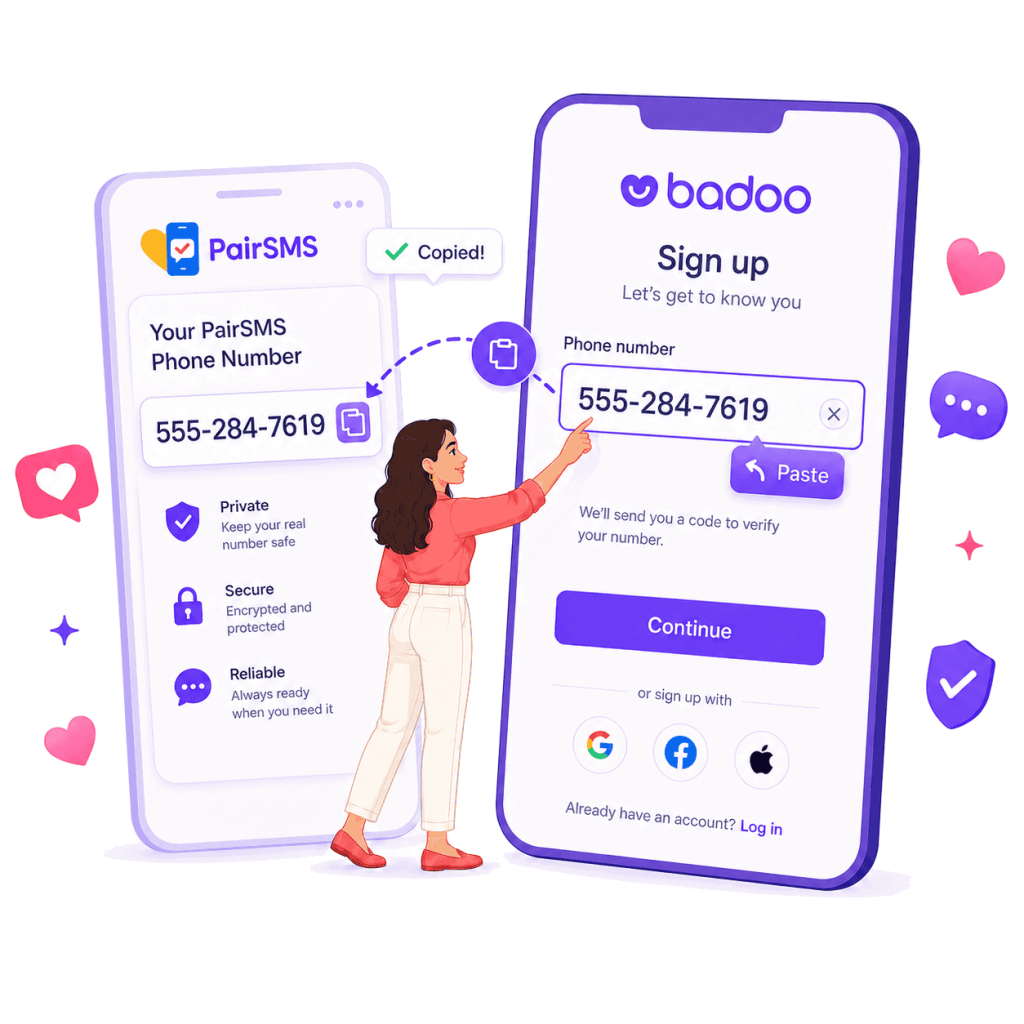
2. Enter the Number on Grindr During Signup
Use the PairSMS number when Grindr asks for a phone number to send the verification code.
This helps keep your personal number separate from your dating profile, main SIM card, contacts, and everyday mobile phone.
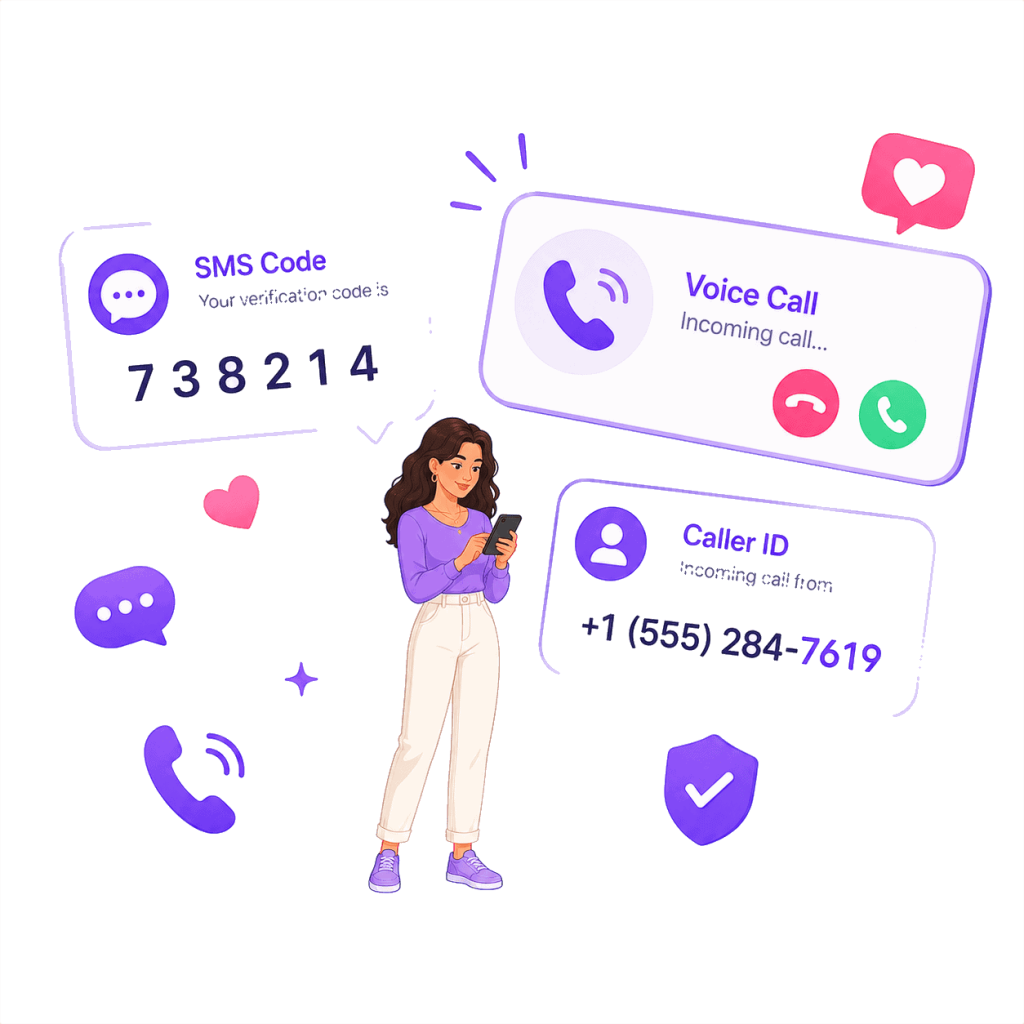
3. Receive the Grindr SMS Code in Your PairSMS Dashboard
When Grindr sends the one-time verification code, you can view the SMS code inside your PairSMS dashboard.
Copy the code, enter it in Grindr, and continue your account setup.
Note: PairSMS helps you receive SMS verification codes. Grindr approval depends on Grindr’s own verification system and policies.
Helps With Common Grindr Verification Problems
PairSMS helps you receive SMS verification codes for dating apps using real phone numbers, not overused VoIP or public SMS numbers.
Use a Separate Phone Number for Grindr Verification
Many Grindr users prefer not to use their personal phone number for dating app verification.
PairSMS gives you a separate SMS-capable number for Grindr signup and verification, helping keep your personal number separate from your dating profile. Good for users who want:
- A separate number for Grindr signup
- More privacy during verification
- A number not tied to their main SIM
- SMS code access without using their personal mobile number
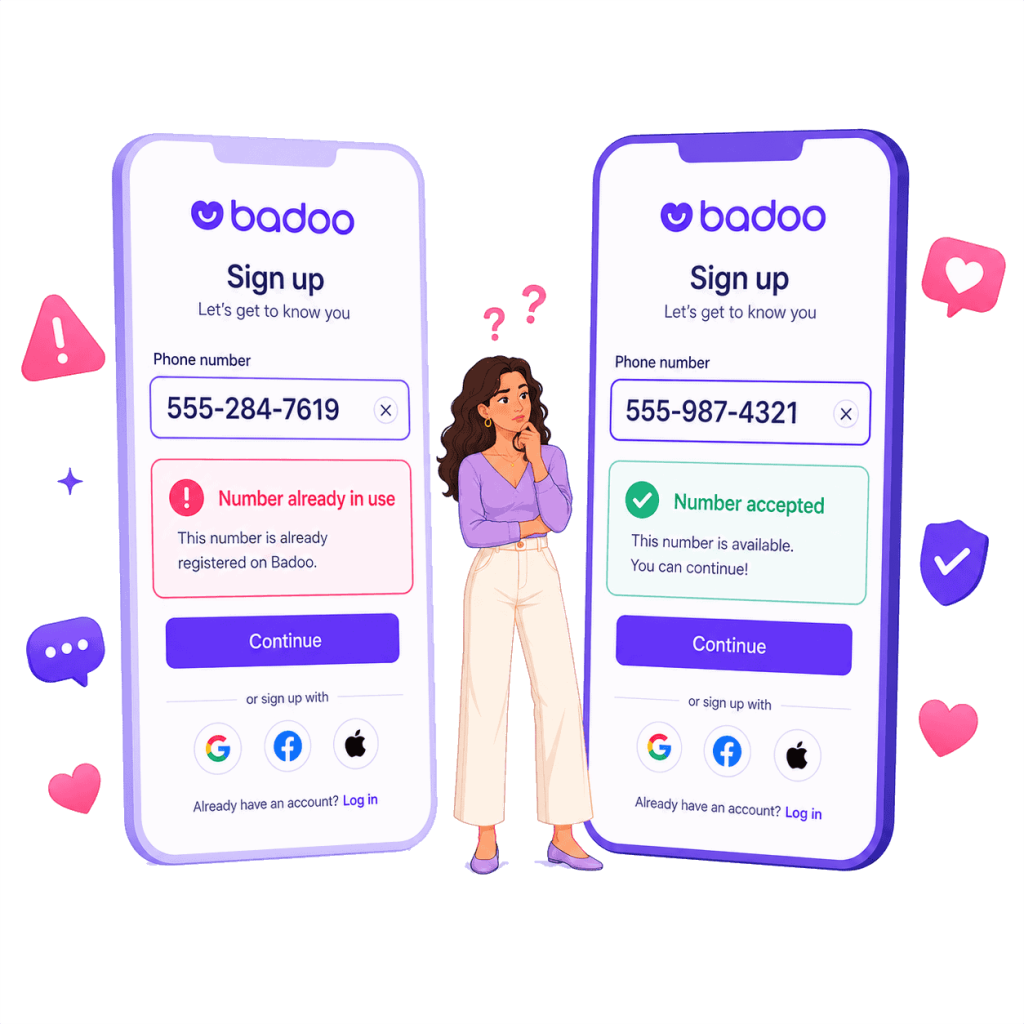
Receive Grindr Verification Codes When Other Number Types Fail
Grindr verification works best with numbers that can receive SMS messages.
Problems can occur with landlines, VoIP numbers, free texting apps, or public SMS inboxes. These numbers may be rejected or fail to receive the verification code.
PairSMS provides a real SMS-capable number for one-time verification code delivery. Common issues include:
- Grindr verification code not sending
- Grindr SMS code not received
- Phone number used too many times
- Invalid phone number errors
- VoIP or texting app numbers rejected
- Verification code never arrives
Get Another Number if Your Current One Is Not Working
Sometimes the problem is the phone number, not your Grindr account.
Your carrier may block verification texts, or the number may not support SMS verification.
PairSMS gives you another SMS-capable number to try when your current number cannot receive the Grindr code.
This can help when:
- Your number does not receive the SMS code
- Grindr shows an invalid number message
- Your carrier blocks verification texts
- You do not want to use your main mobile number