Get a real phone number for Bumble sign up and receive your SMS verification code online.
Bumble requires a phone number for active accounts, and sometimes it may ask you to verify by SMS or by phone call. If Bumble says “Please check your number,” your code is not arriving, or your number is already linked to another account, PairSMS gives you a fresh number you can use for Bumble phone verification.
Get your Bumble SMS number, enter it during sign up, and view your verification code online.
How PairSMS Works With Bumble SMS & Call
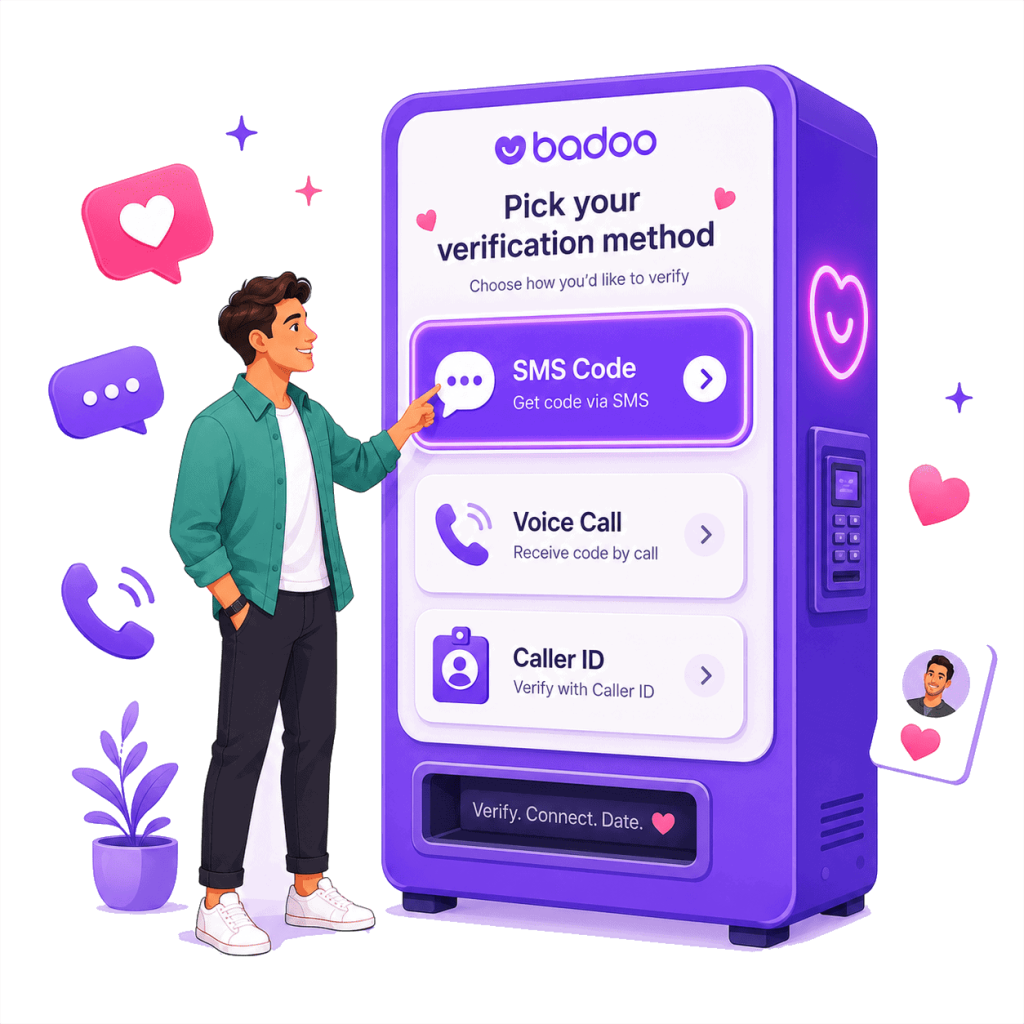
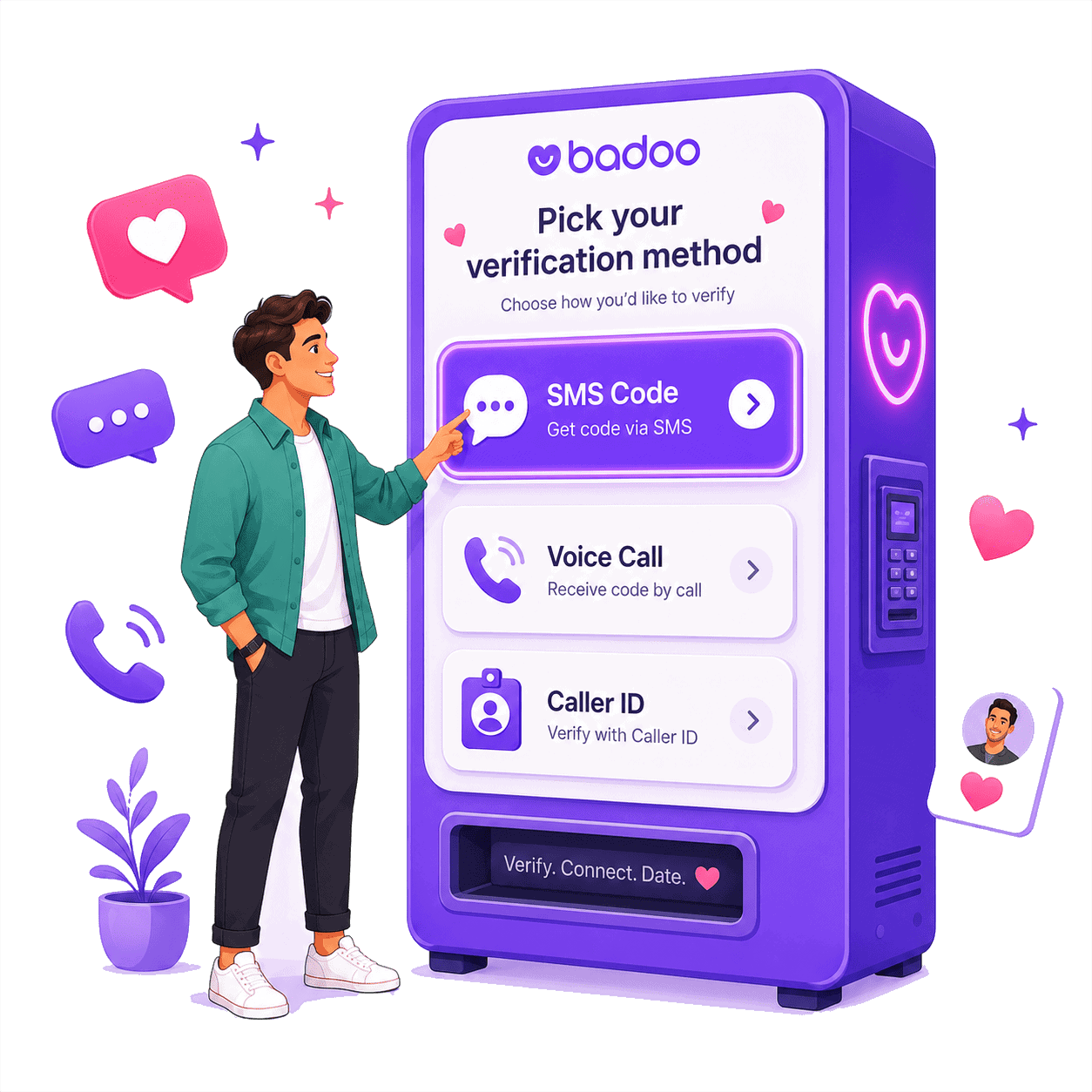
1. Choose Bumble SMS or Call Verification
Select Bumble from PairSMS and get a real phone number for Bumble sign up or phone number verification.
Use it when Bumble asks for a mobile number, when your own number is not accepted, or when you do not want to use your personal phone number on a dating app. ask for a call or caller ID verification instead.
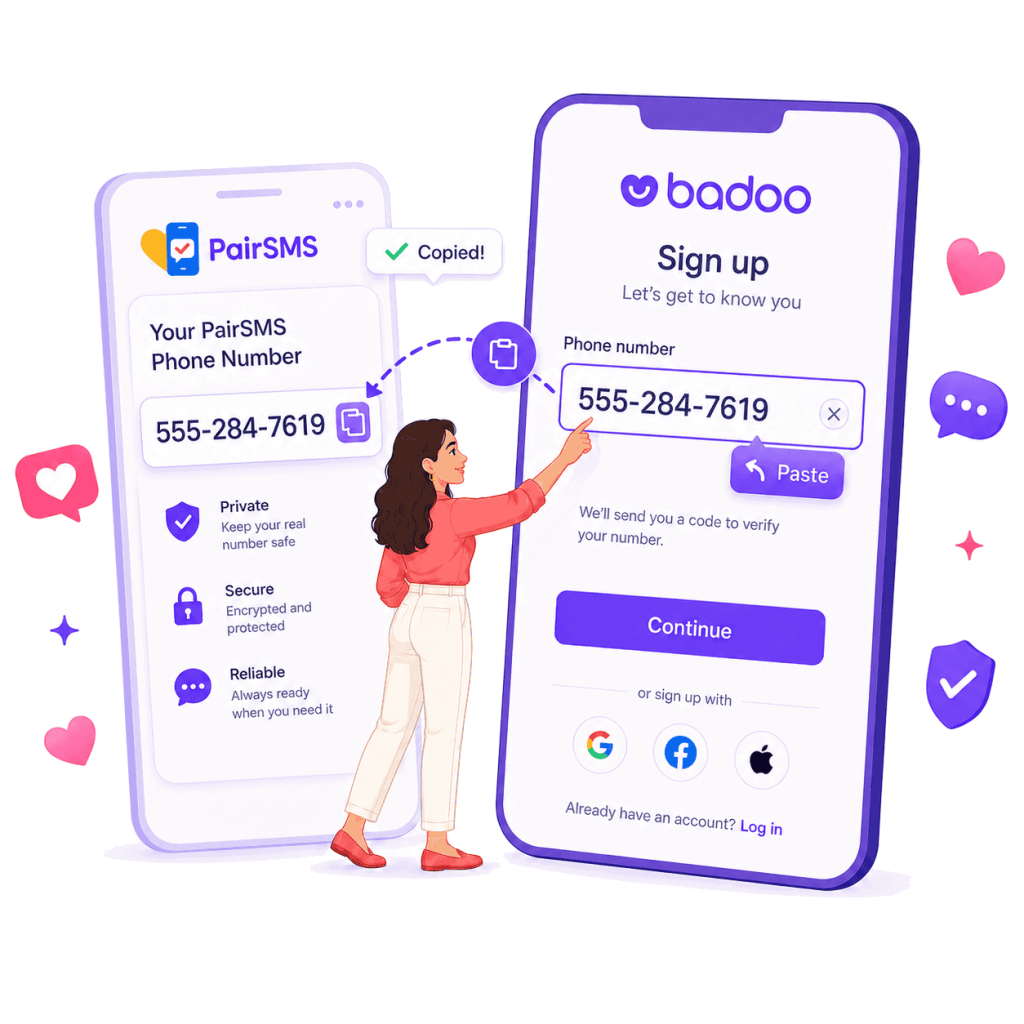
2. Enter the Number on Bumble
Copy your PairSMS number and enter it on Bumble.
Bumble may send a six-digit SMS code or give you the option to verify by call. If SMS is shown, wait for the text code. If Bumble shows a call option, follow the instructions inside Bumble.
PairSMS is helpful when you see issues like “Bumble SMS code not received,” “Please check your number,” “didn’t get an SMS,” or “number already linked.”
3. Receive Your Bumble Code Online
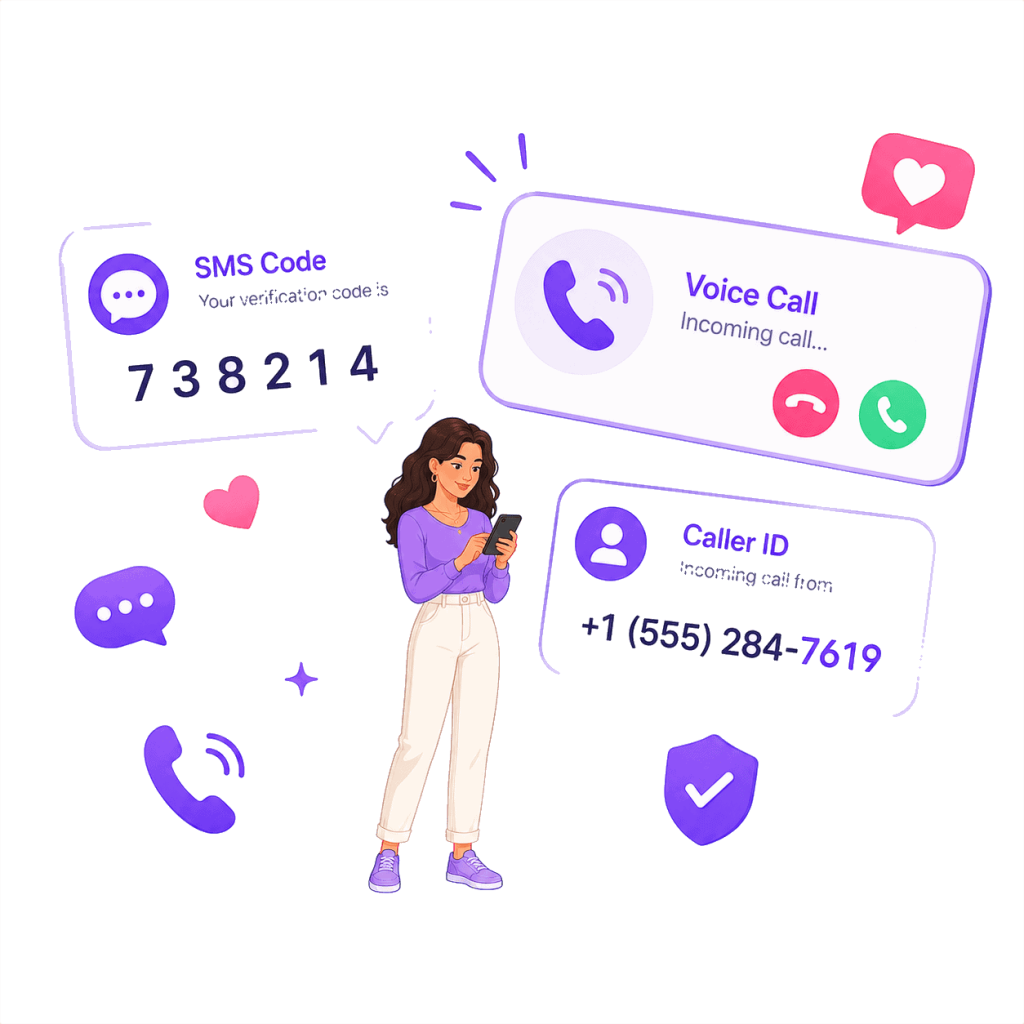
When Bumble sends the SMS, your verification code appears inside your PairSMS dashboard.
Copy the code, paste it into Bumble, and continue your sign up without using your personal phone number.
PairSMS shows the incoming caller number (example: +1 650 382 7194). If Bumble asks for the last 6 digits, enter 827194.
Helps With Common Bumble Verification Problems
PairSMS helps you receive SMS verification codes for dating apps using real phone numbers, not overused VoIP or public SMS numbers.
Works When Bumble Asks for SMS or Call Verification
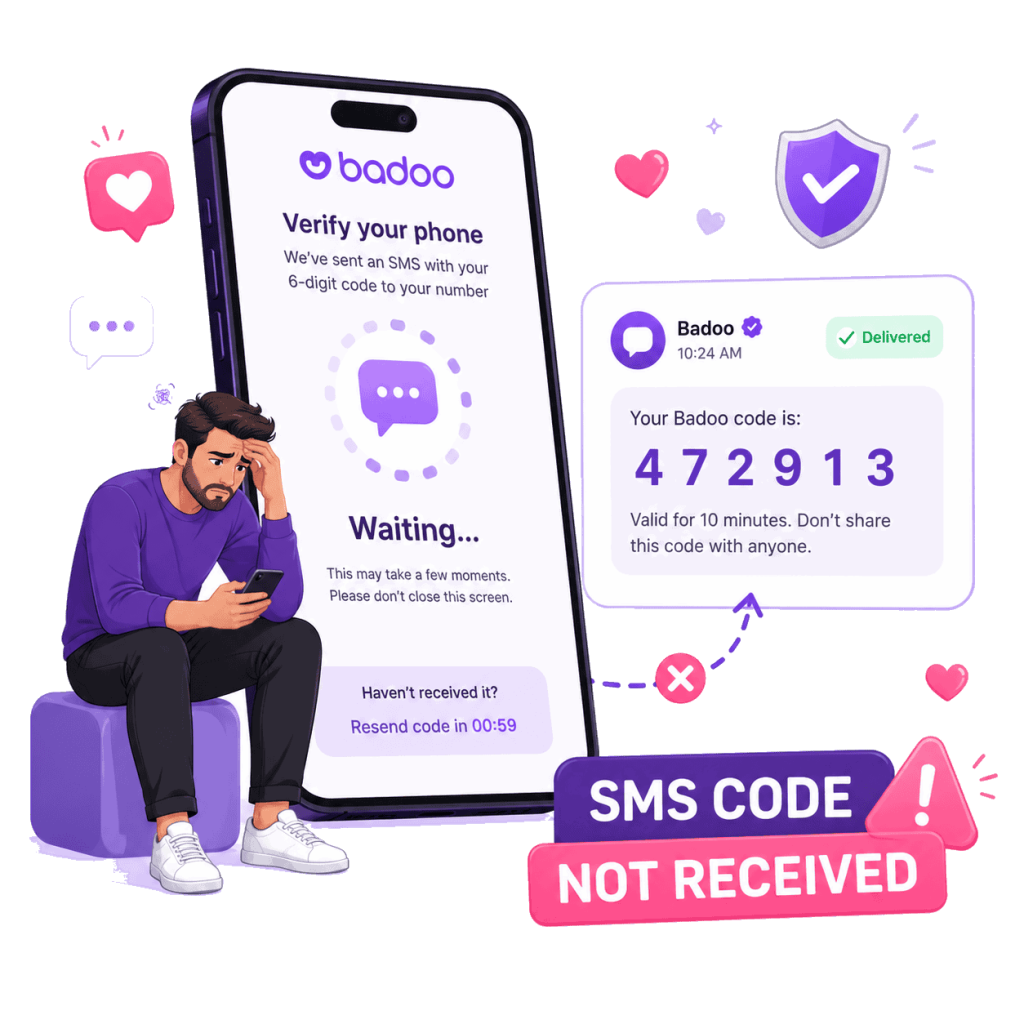
Bumble may ask you to verify your account with a phone number during sign up, login, or account confirmation.
PairSMS gives you a real phone number you can use when Bumble asks for SMS verification, phone number verification, or the option to receive a call instead of an SMS code.
Helps When Your Bumble Code Does Not Arrive
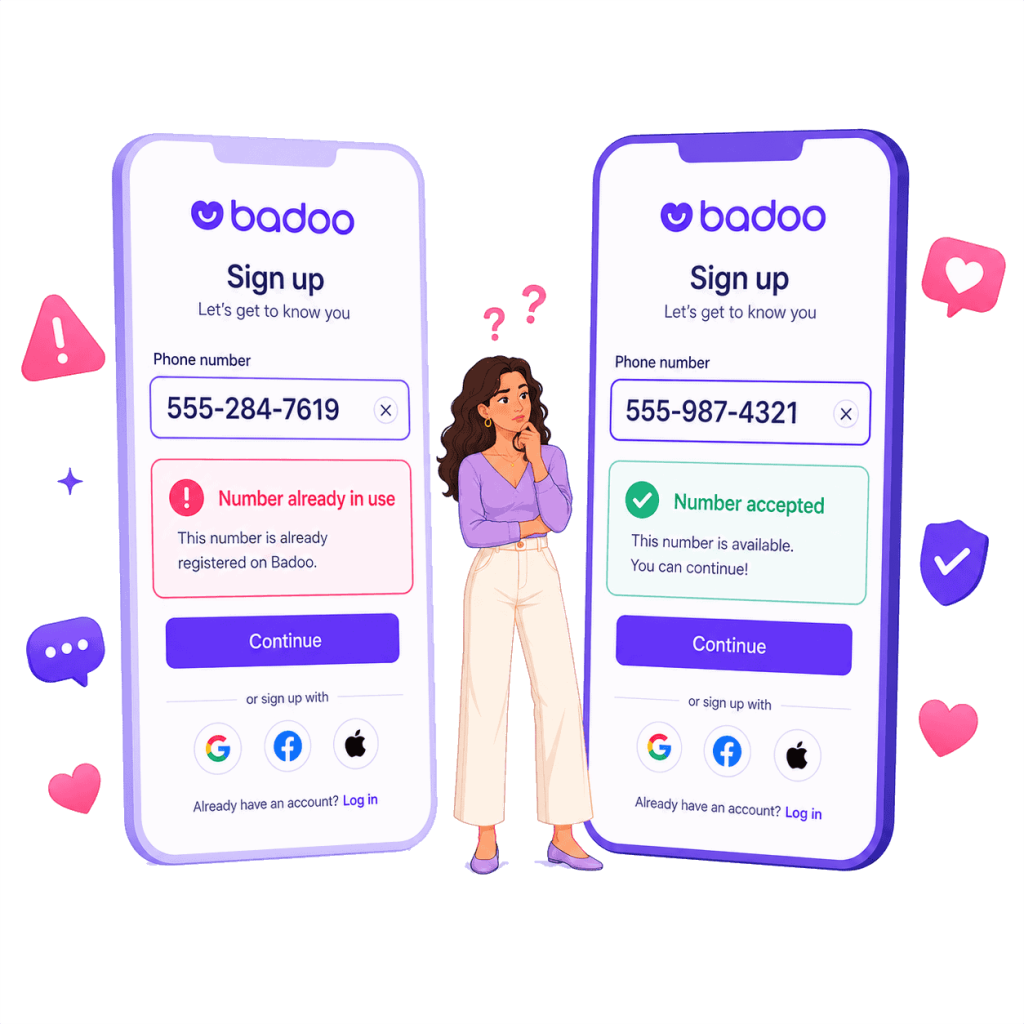
If Bumble says “didn’t get an SMS,” your code is delayed, or the verification text never arrives, your current number may not be receiving Bumble short code messages properly.
With PairSMS, you can use a fresh Bumble SMS number and receive the verification code online from your dashboard.
Useful When Bumble Says “Please Check Your Number”
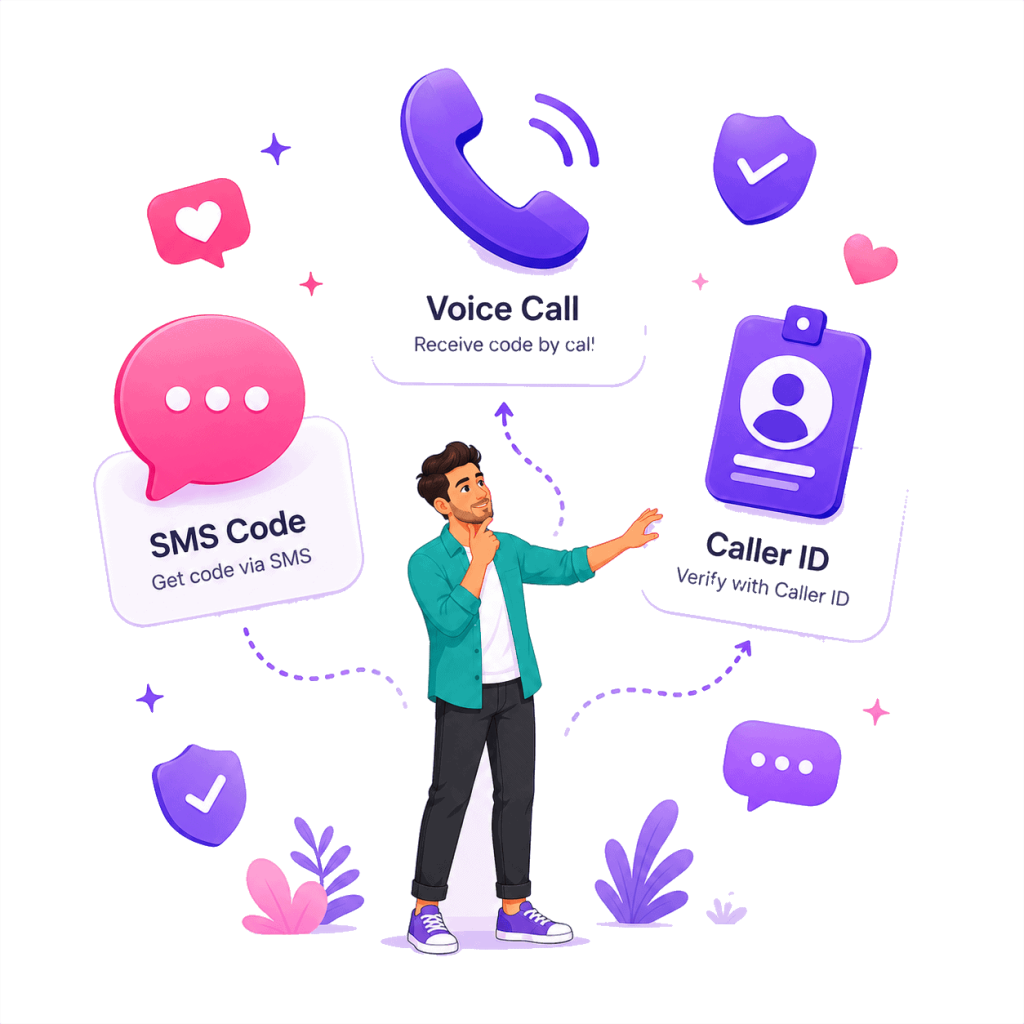
Many users get stuck when Bumble rejects their number or shows errors like “Please check your number,” “number already linked,” or “phone number required.”
PairSMS gives you another number to try for Bumble sign up, so you are not blocked by the same failed number again.