Trying to join WooPlus, log back in, or finish account verification, but the SMS code is not coming through?
PairSMS helps you receive a one-time WooPlus verification code using a separate SMS-capable number. It is useful when WooPlus asks for a phone number during signup, login, account checks, or verification prompts, and you do not want to use your personal number.
Get a WooPlus Verification Number
1. Choose WooPlus in PairSMS
Select WooPlus from the verification list and choose an available SMS-capable number for the verification process.
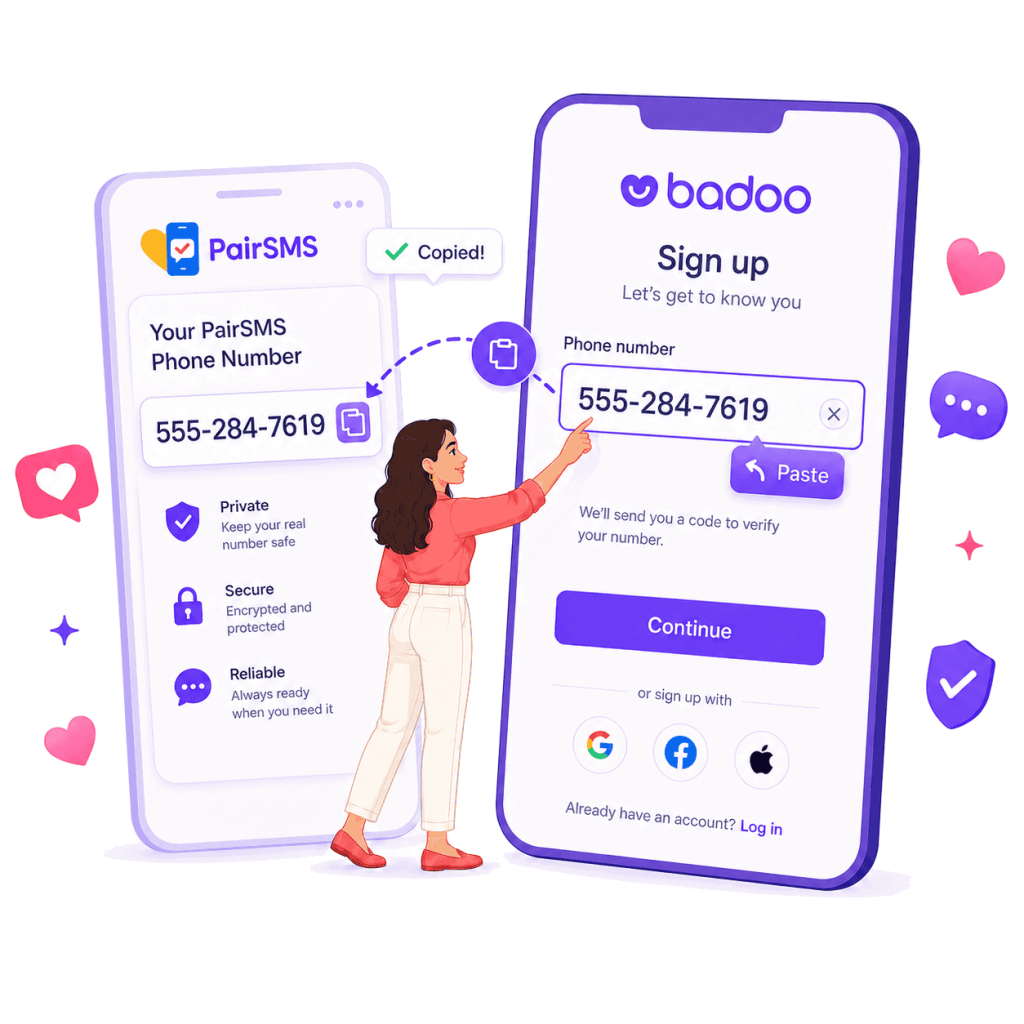
2. Enter the Number in WooPlus
When WooPlus asks for a phone number during signup, login, or account verification, enter the number exactly as shown, including the correct country code.
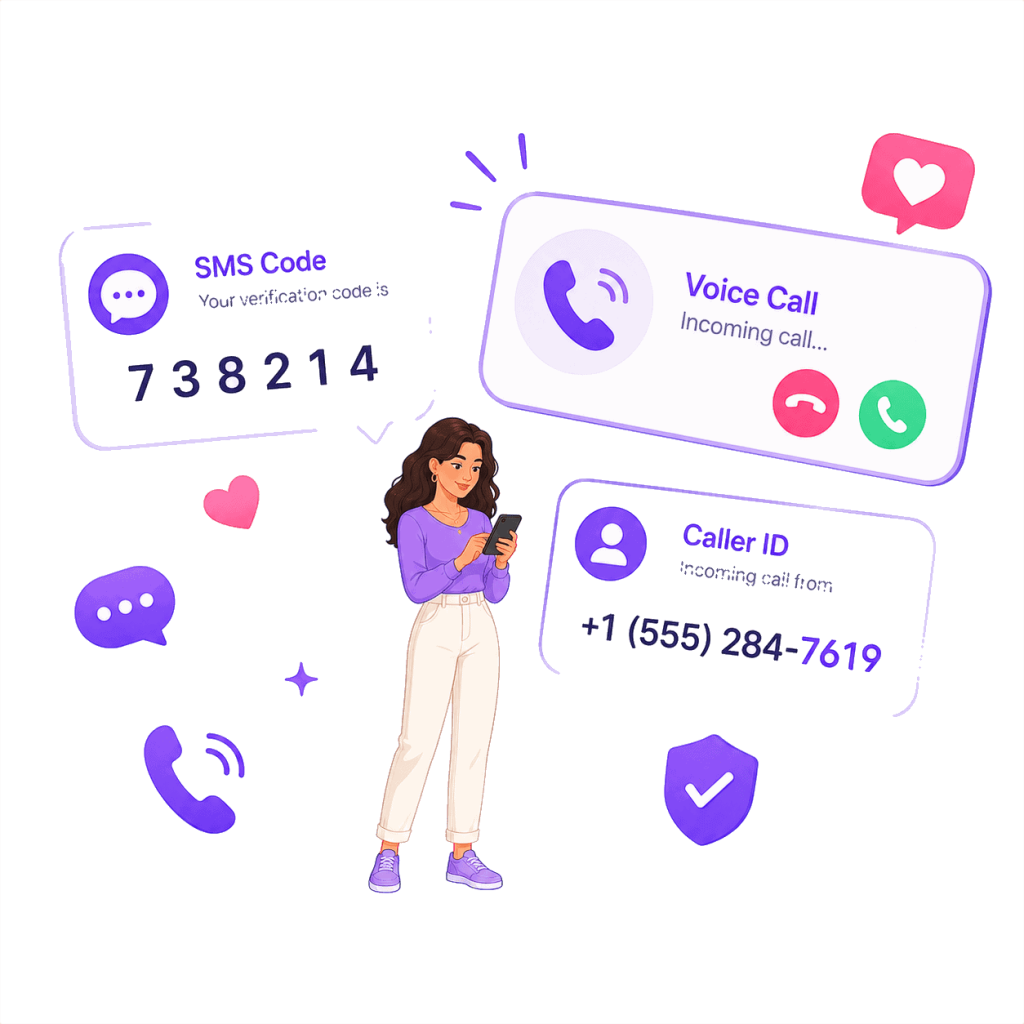
3. Receive Your WooPlus SMS Code
Wait for WooPlus to send the one-time SMS code, then check your PairSMS dashboard and enter the code inside WooPlus before it expires.
Built for WooPlus Verification Problems
PairSMS helps you receive SMS verification codes for dating apps using real phone numbers, not overused VoIP or public SMS numbers.
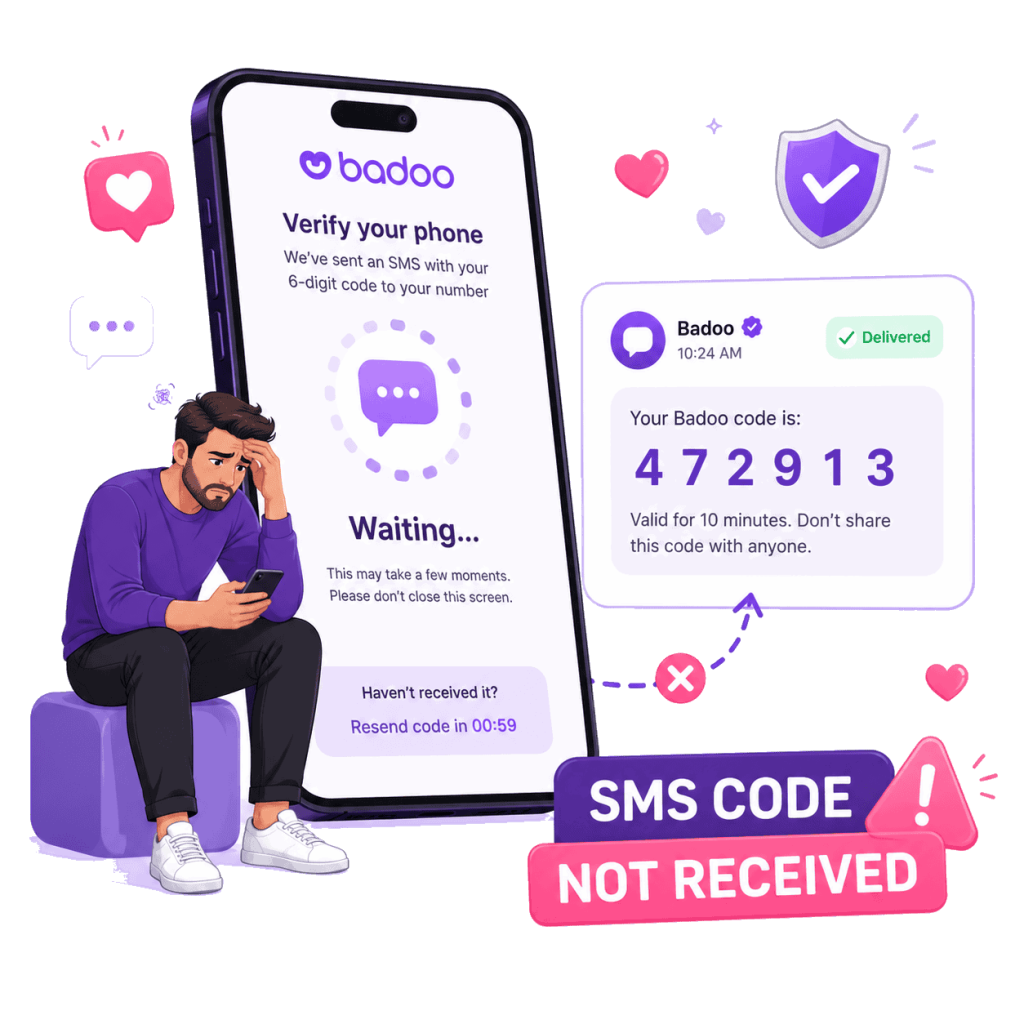
When the WooPlus SMS Code Is Not Arriving
Some users get stuck at the phone-number step because the WooPlus verification code never shows up. PairSMS gives you a separate SMS-capable number where you can receive the one-time code online and continue the verification process.
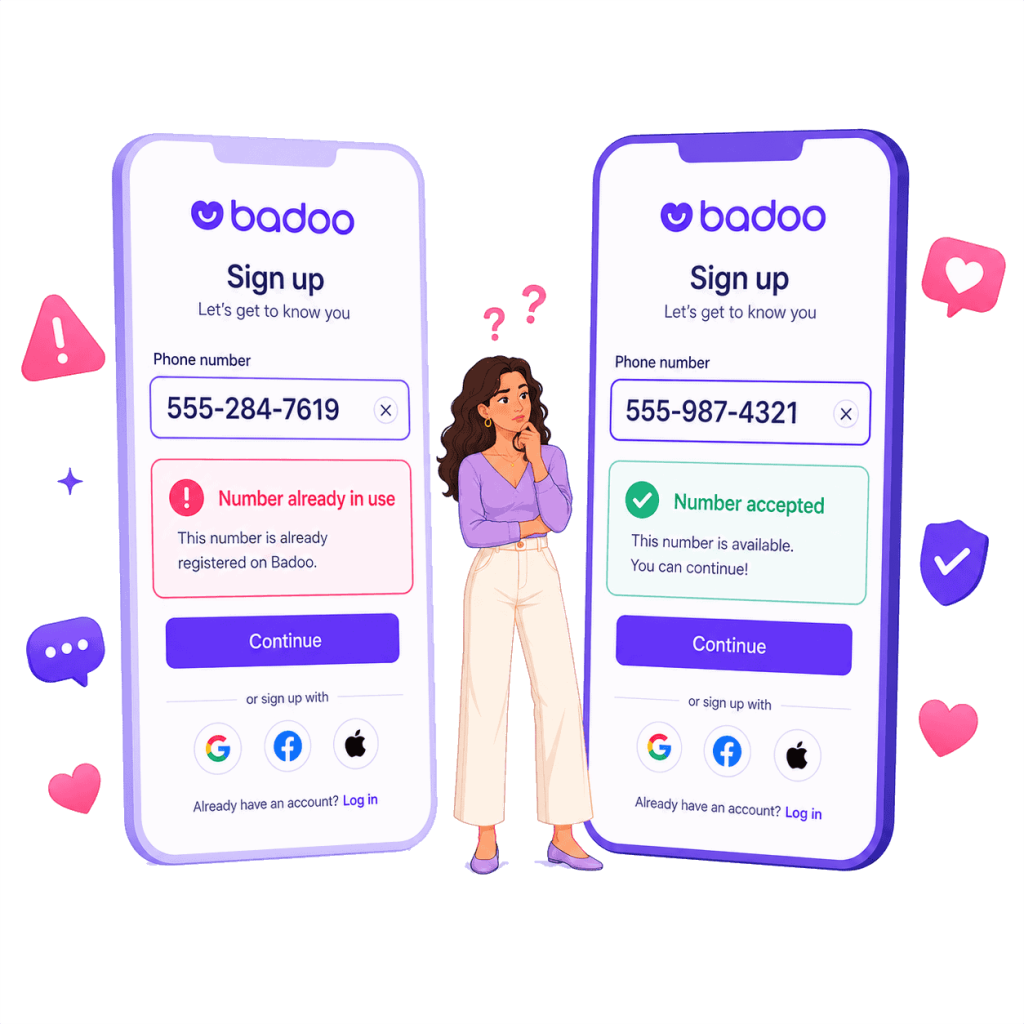
Keep Your Personal Number Separate
Not everyone wants their personal phone number connected to a dating app. PairSMS helps you use a separate number for WooPlus SMS verification, so your private number stays off the signup or login screen.
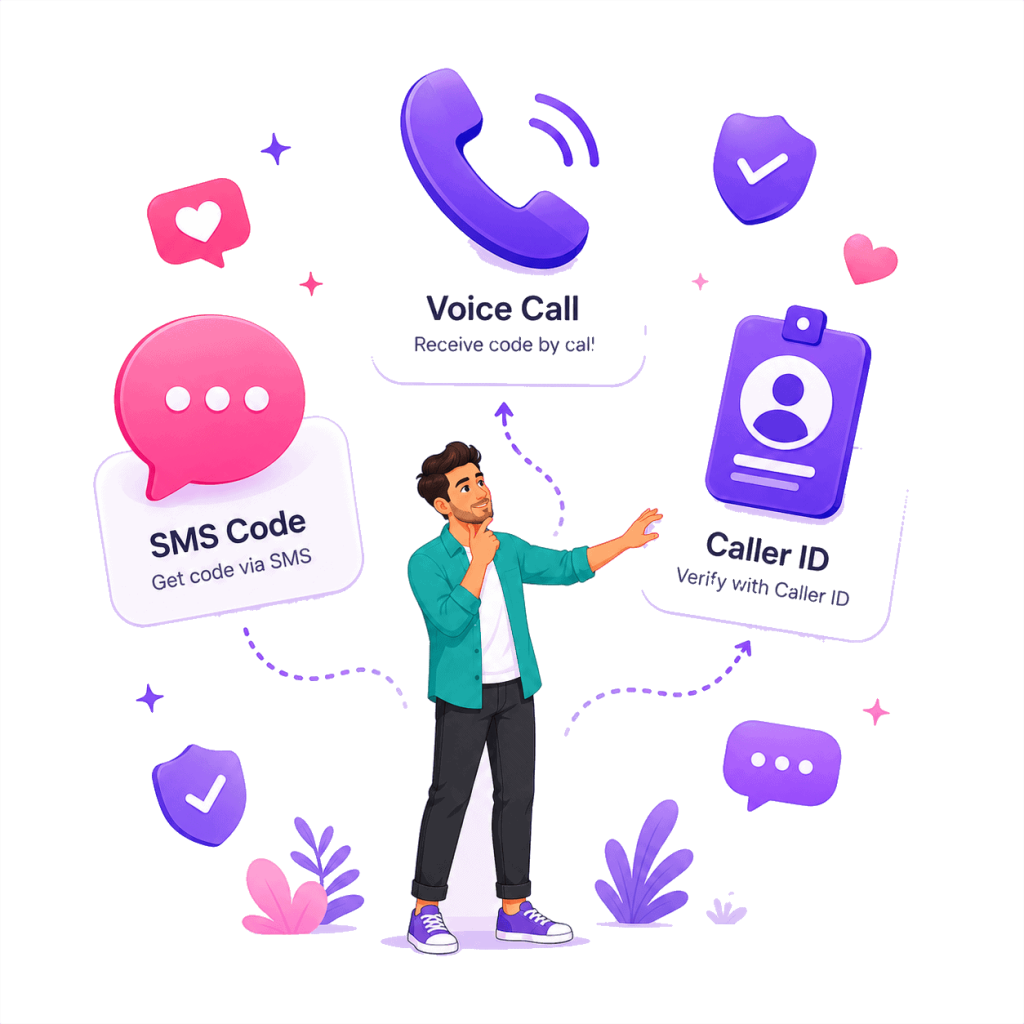
Helpful for Signup, Login, and Account Access Checks
WooPlus may ask for verification when you create an account, log back in, reinstall the app, or complete an account check. PairSMS gives you a clear place to receive the SMS code without switching devices or waiting on your personal carrier.