Phone Number for Bumble Verification
PairSMS provisions authentic, non-VoIP mobile carrier phone numbers built specifically for Bumble account registration, login, and reverification. Receive your SMS verification code or automated call details in your live dashboard without exposing your personal phone number.
Notice: Bumble controls whether verification is presented via SMS text or automated phone call, as well as final profile approval.
How Bumble Phone Verification Works in 2026
Bumble requires all active accounts to link to a verified mobile number. Virtual VoIP lines trigger automated rejection filters.
Bumble inspects every submitted phone number against carrier databases (including Twilio Lookup and Telesign) during signup and login. When a virtual VoIP service or Google Voice number is detected, Bumble returns an error stating “Please enter a valid mobile number”.
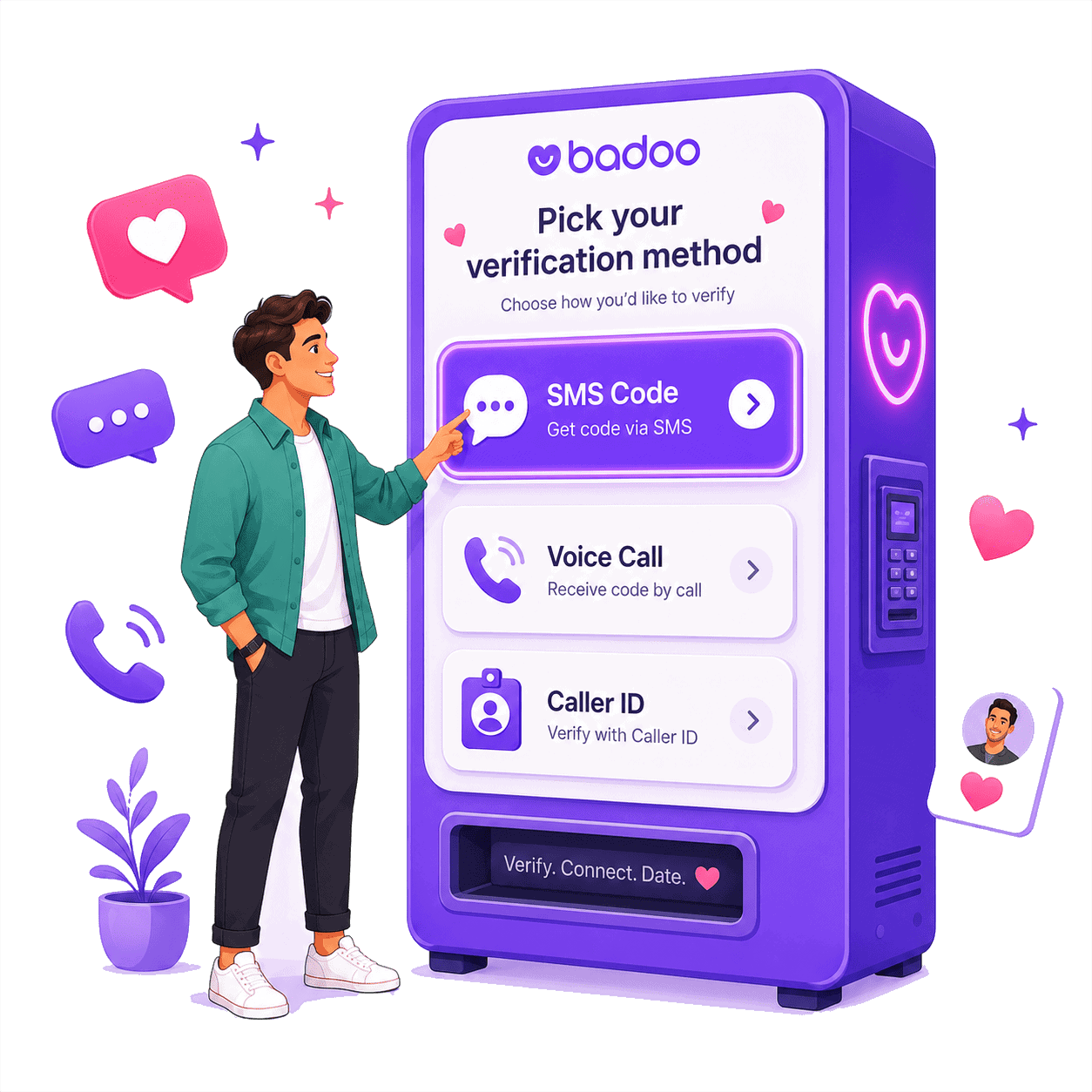
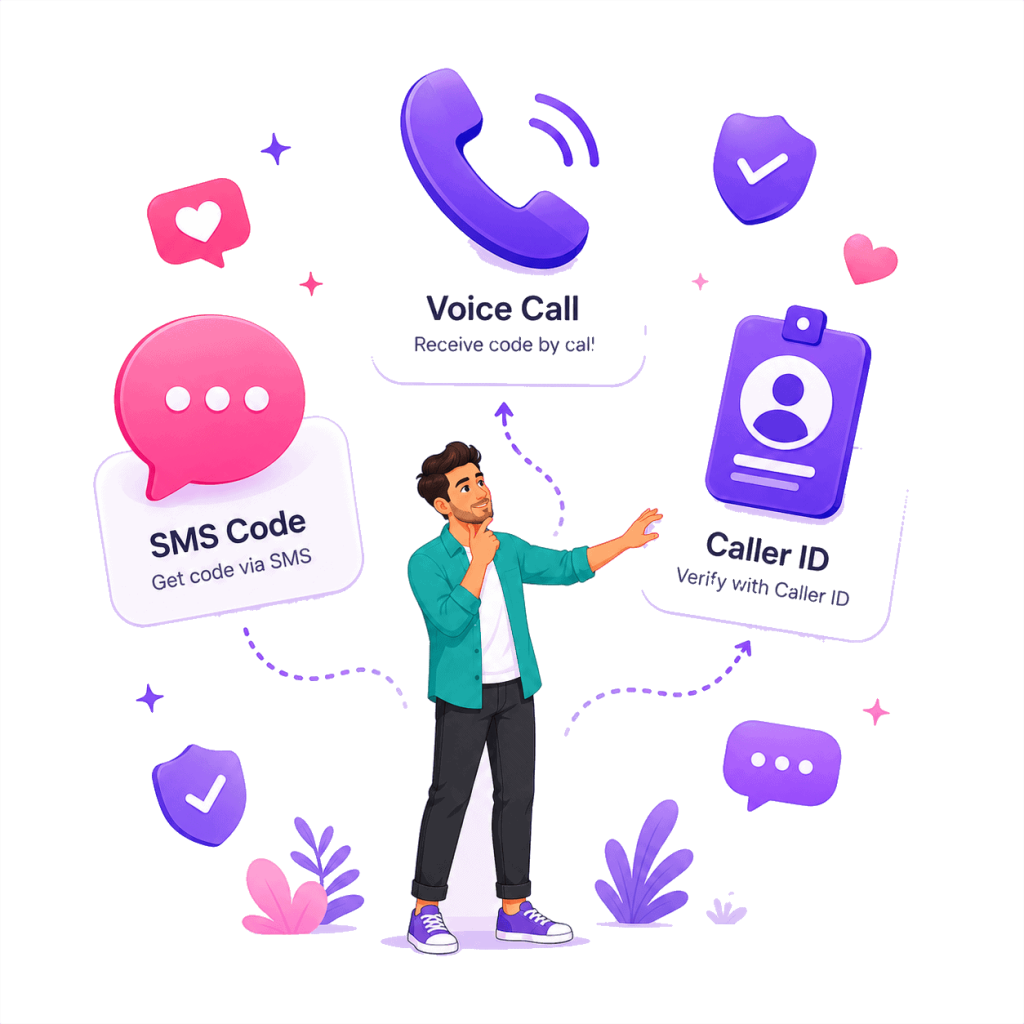
Bumble employs two distinct authentication protocols to verify legitimate cellular ownership:
1. SMS Text Verification
Bumble transmits an SMS text message containing an authentication code to your mobile line. You copy the code and input it into the app.
2. Automated Call Verification
Bumble dials your number from an automated system. You do not answer; instead, you enter the last six digits of the calling number into the Bumble app.
Receiving Your Bumble SMS Verification Code
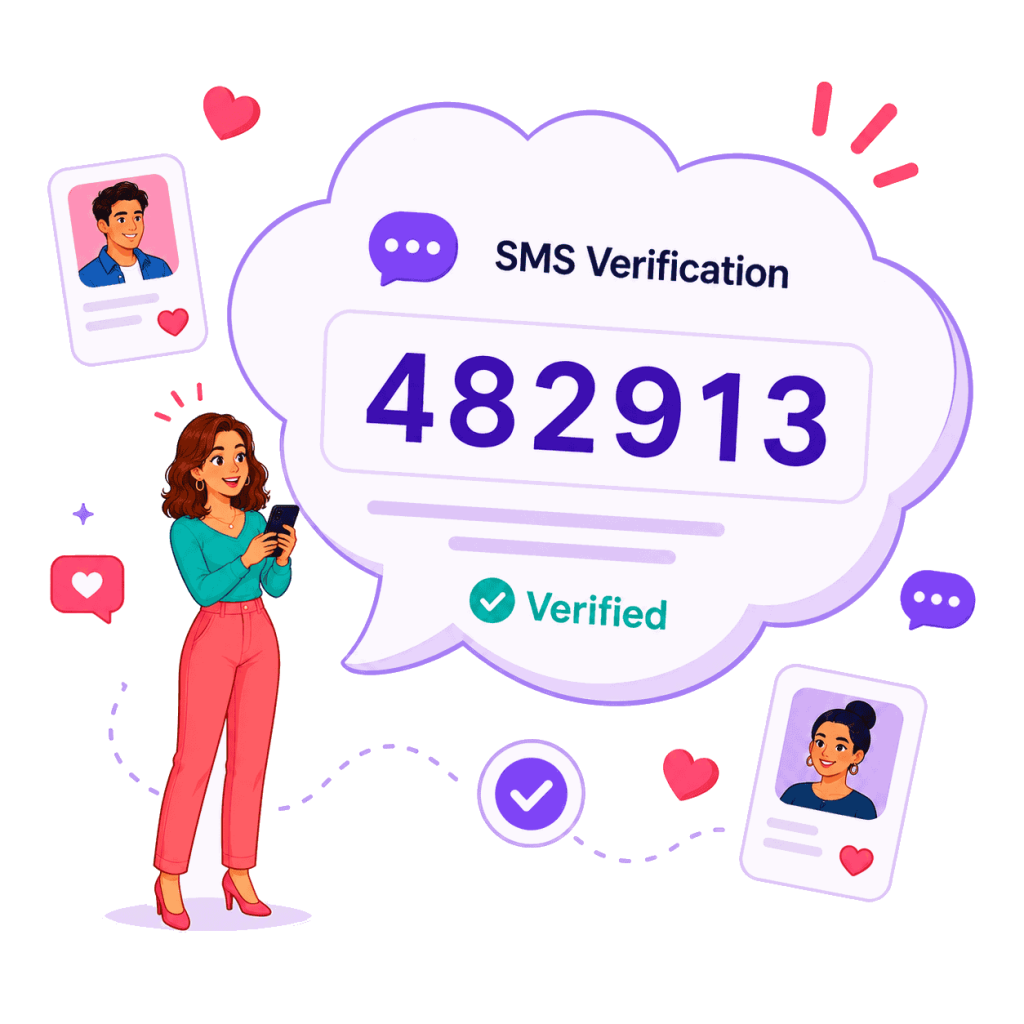
SMS text verification is the primary verification method used by the Bumble mobile app. When you input your allocated PairSMS mobile number into Bumble, its gateway dispatches an authentication message.
PairSMS polls carrier gateways in real time. As soon as the transmission arrives, your dashboard displays the verification code alongside the full message text. You copy the code with a single click and enter it into Bumble to complete your profile setup.
Bumble Call Verification: How the Last 6 Digits Work
Bumble’s automated verification call operates differently from traditional voice authentication. Bumble does not read a code aloud, and there is no voice recording to listen to.
When Bumble initiates call verification:
- Bumble places an automated call to your PairSMS number.
- You do not answer the call. Let the incoming line ring once or disconnect.
- Bumble asks you to enter the last six digits of the phone number that called you.
- Your PairSMS dashboard displays the incoming caller number under message details.
- You extract the last 6 digits and type them into Bumble.
You enter only the last 6 digits (“842947”) into the Bumble verification screen.
Comparing Bumble Verification Protocols
Understand what Bumble requires, what actions to take, and what PairSMS displays for each method.
| Verification Parameter | Bumble SMS Verification | Bumble Automated Call | Free Public SMS Sites |
|---|---|---|---|
| Delivery Channel | Cellular SMS Short-Code | Cellular Automated Ringback | Public Web Page |
| Authentication Key | Numeric code sent in SMS text | Last 6 digits of calling number | Publicly exposed text |
| User Action Required | Copy code from message box | Do not answer; extract caller digits | Search shared public list |
| Spoken Voice Robot? | No (Text Message) | ✗ No (Never reads code aloud) | No |
| Bypasses VoIP Filters? | ✓ Yes (Physical Mobile SIM) | ✓ Yes (Physical Mobile SIM) | ✗ Fails (Blocked as VoIP) |
| PairSMS Dashboard Display | One-Click Copy Code Box | Incoming Caller ID in Details | Not Supported |
| Summary: Bumble dynamically selects whether SMS or call verification is offered. PairSMS displays whichever authentication event the carrier delivers. | |||
How to Verify Bumble with PairSMS
Follow this five-step walkthrough to activate your Bumble account cleanly.
1. Provision Your Number
Select Bumble in the wizard above and pick your country (US, UK, Canada, Australia, France, Germany, etc.). Complete checkout to load your live dashboard.
2. Enter Number in Bumble
Open the Bumble app on iOS or Android. Select “Use mobile number”, pick the matching country flag, and paste your allocated PairSMS number.
3. Request Verification
Tap continue in Bumble. Bumble will send an SMS verification message or initiate an automated verification call. A countdown will appear on screen.
4. Extract Credentials
Check your PairSMS dashboard. For SMS, copy the highlighted code. For a call, identify the last six digits of the incoming phone number shown in the details.
5. Bind Permanent Recovery
Once verified, open Bumble Settings > Security & privacy > Ways you can log in and link an Apple ID, Google Account, or Passkey.
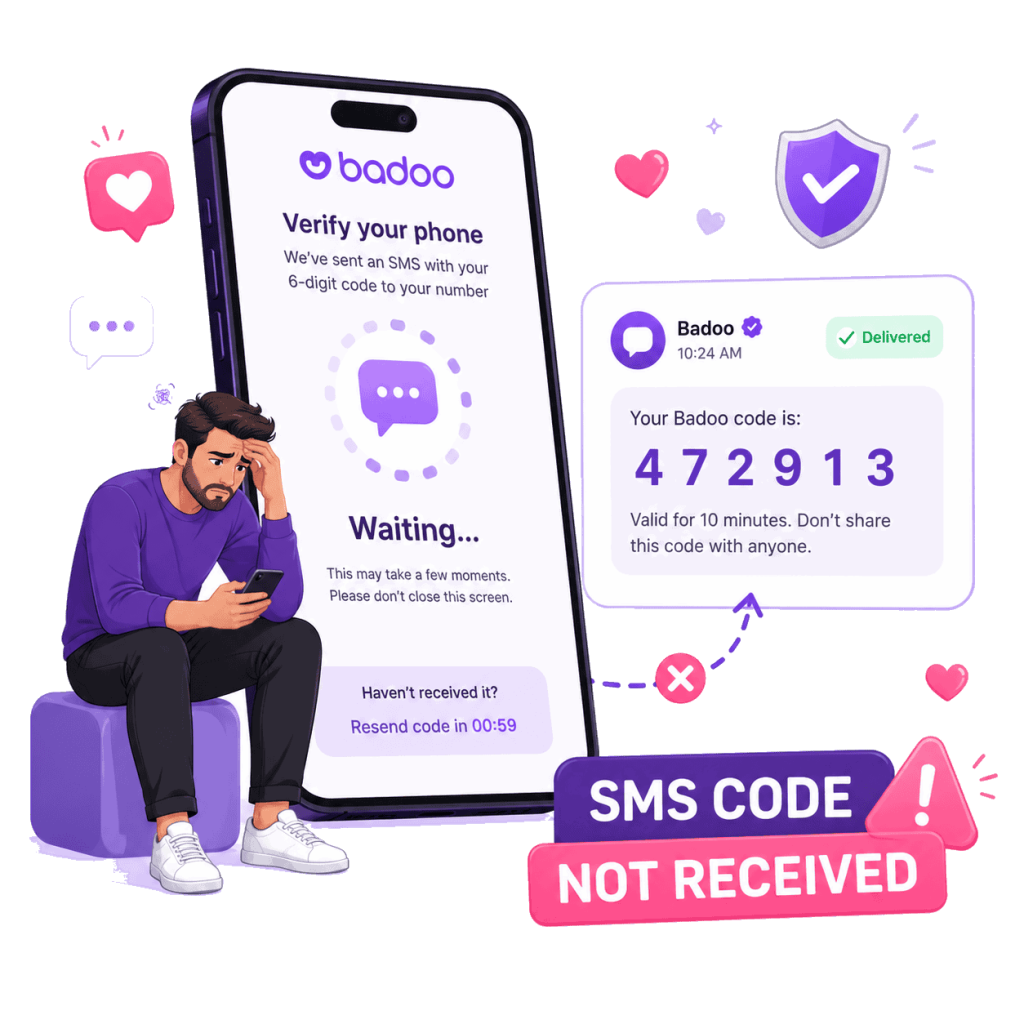
Bumble Verification Code Not Received?
If your verification code or call details do not arrive within two minutes, review these standard troubleshooting steps based on Bumble’s official support guidelines:
- Verify Country Code Formatting: Ensure you picked your country flag from Bumble’s dropdown; do not type the international trunk code (like
+1) twice. - Do Not Hammer Resend: Repeatedly tapping “Resend” can trigger automated rate-limits on Bumble’s authentication gateways, resulting in a temporary 24-hour lockout.
- Toggle Alternative Method: When Bumble’s timer runs down, tap “Didn’t get an SMS?” or “Didn’t get the call?” to prompt Bumble to switch protocols.
- Disable Commercial VPNs: Bumble’s fraud security systems actively block verification requests originating from known datacenter IP addresses.
How to Update an Existing Phone Number on Bumble
Bumble enforces a strict security path to change a registered mobile number without losing matches or conversations.
Follow this official path inside the Bumble mobile app:
Important Requirement: You must connect a secondary login method (Apple ID or Facebook) before Bumble permits a phone number change. Once connected, enter your new PairSMS number and verify it via SMS code or the last six digits of the incoming call.
What PairSMS Can and Cannot Guarantee
PairSMS operates with complete transparency regarding technical boundaries and Bumble platform rules.
What PairSMS Guarantees
- Provisions authentic mobile carrier SIM numbers (never virtual VoIP lines).
- Passes carrier line-type inspection checks (HLR, Twilio Lookup, Telesign).
- Isolates verification credentials inside a private, secure dashboard.
- Automatically credits your balance in full if no verification event arrives.
What Bumble Controls
- Bumble determines whether an account registration or login is approved.
- Bumble decides whether to send an SMS or trigger an automated call.
- Bumble may request secondary photo selfie verification to prove identity.
- PairSMS cannot unban suspended accounts or bypass Community Guidelines enforcement.
Frequently Asked Questions
Evidence-backed answers concerning Bumble verification, caller ID digits, and privacy rules.
Does Bumble require a phone number to create an account?
Yes. All active Bumble accounts must be linked to a verified mobile phone number. Even if you register using an Apple ID or Facebook account, Bumble requires phone confirmation to verify account authenticity before allowing access to profiles.
Does Bumble verify accounts by SMS text or phone call?
Bumble utilizes both methods. Most users receive an SMS text containing an authentication code. Depending on your country, carrier, or fraud score, Bumble may alternatively place an automated verification call.
How does Bumble automated call verification work?
When Bumble initiates call verification, an automated system dials your number. You do not need to answer. Bumble asks you to enter the last six digits of the incoming phone number that placed the call.
Do I need to answer Bumble’s verification call?
No. Bumble explicitly states that you do not need to answer the call. There is no spoken code or voice prompt. Answering is unnecessary because the incoming phone number itself represents the verification key.
Why does Bumble ask for the last 6 digits of a phone number?
Entering the last six digits of the calling number proves that you have real-time access to the receiving mobile line, confirming device ownership without requiring SMS gateway delivery.
Can I verify Bumble on my computer using Bumble Web?
No. Bumble Web was officially discontinued on August 03, 2026. Account creation and phone verification must now be completed inside the official Bumble mobile app for iOS or Android.
What should I do if my Bumble verification code does not arrive?
Check that you selected the correct country code without repeating digits, wait for the countdown timer to conclude, and check that any commercial VPN is disabled. If no code arrives in your PairSMS dashboard, our system automatically credits your account balance in full.
Why does Bumble display “Please enter a valid mobile number”?
This error occurs when you submit a virtual VoIP number (such as Google Voice or Skype) or a public disposable number. Bumble inspects carrier databases and blocks non-cellular lines. PairSMS avoids this error by providing real mobile carrier SIM numbers.
Can PairSMS help me recover or unban a suspended Bumble account?
No. PairSMS provides phone numbers for account verification and cannot remove bans or override Bumble enforcement. If your account was suspended, you must submit an official appeal through Bumble’s in-app Help Hub.
Can I update my phone number on Bumble later?
Yes. Open Bumble, go to Settings > Security and Privacy > Ways you can log in > Phone Number, and select Change number. Make sure you have connected a secondary login method (like an Apple ID or email) before updating your number.
Ready to Verify Your Bumble Account?
Select your country in the activation wizard above to receive your real carrier number and complete your Bumble verification in seconds.
PairSMS provides telecommunications routing services independently. PairSMS is not affiliated with, sponsored by, or endorsed by Bumble Inc. or Match Group. Bumble is a registered trademark of Bumble Inc.