 Official Verification Gateway
Phone Number for Badoo Verification (SMS & Call)
Get a private, carrier-issued mobile number to complete Badoo phone verification online. Receive your 6-digit SMS code or automated call verification digits instantly through your secure PairSMS dashboard—without exposing your personal phone number.
How Badoo Phone Verification Works
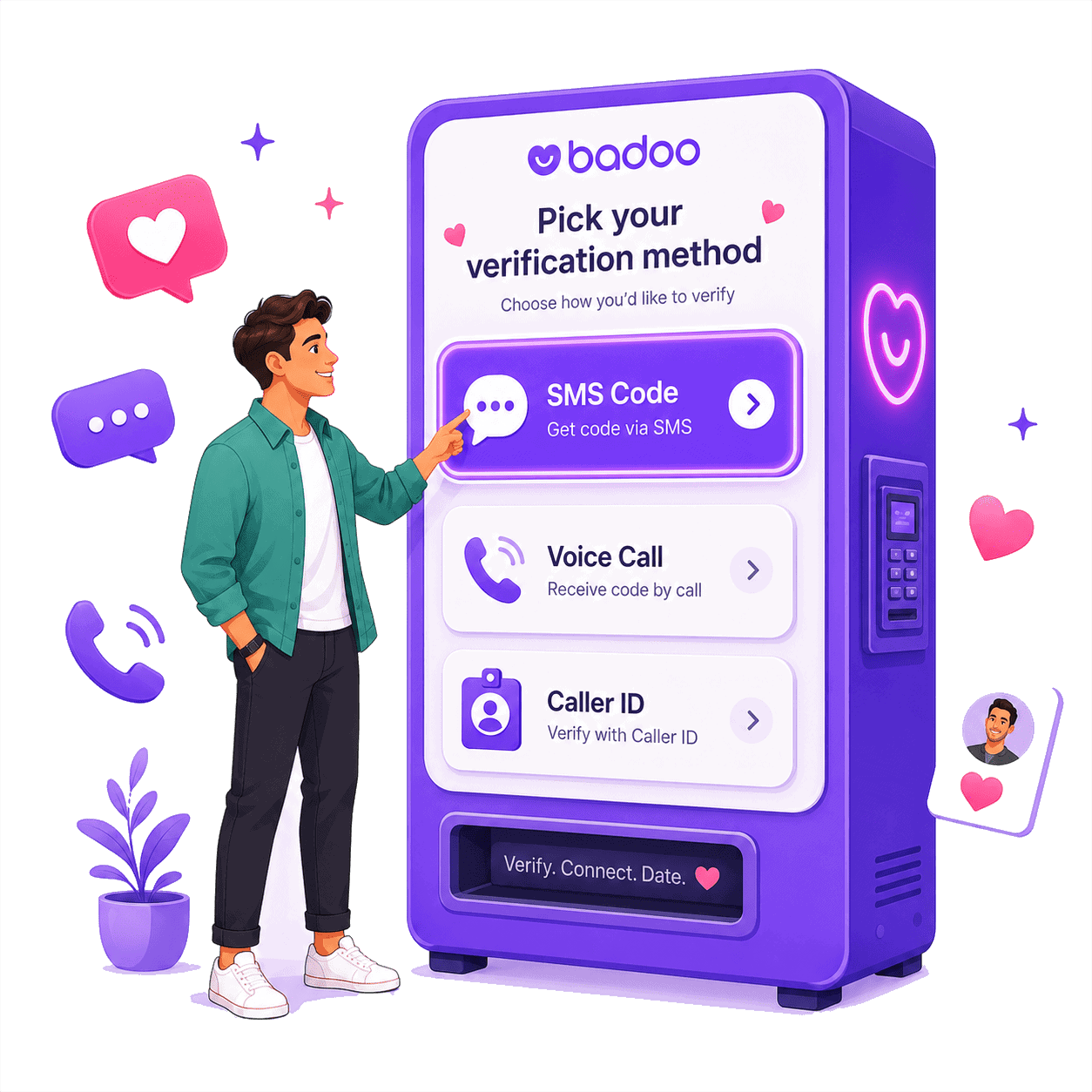
Badoo protects its dating community by verifying that each account is operated by a real person on an authentic mobile device. During registration, login, or routine security checkpoints, Badoo uses one of two distinct telephony verification methods:
Method 1: SMS Verification Code
Badoo transmits a standard text message containing a 6-digit numeric security code. You view the code in your PairSMS dashboard, enter it into Badoo, and your mobile number is confirmed.
- Standard alphanumeric short-code routing
- Arrives within 15–60 seconds
- Valid for 5–10 minutes
Method 2: Automated Missed Call
Badoo places an automated phone call to your verification number. You do not answer this call. Badoo prompts you to enter the last six digits of the phone number that called you.
- Zero call charges — Badoo hangs up automatically
- Verification token is the incoming caller ID
- PairSMS displays the exact 6 digits to copy
Badoo Automated Call Verification: The Last-Six-Digits Method
If Badoo displays "We're calling your phone number...", do not worry if you cannot pick up. Badoo never speaks an audio code; the incoming caller number itself is the verification token.
Answering the call will not provide you with a code. Badoo rings your line and terminates the call after a few seconds. Let it ring out—Badoo's system only needs to register that the number exists.
How to Identify the 6 Verification Digits
When the automated call arrives, Badoo asks: "Enter the last 6 digits of the number that just called you." Here is the exact calculation:
Accuracy Warning: Entering only 4 digits (e.g. 7194) will cause immediate failure on Badoo. Always enter all 6 final digits (827194).
Comparing Badoo Verification Methods
A side-by-side breakdown of what Badoo sends and what you enter.
| Feature | SMS Verification | Automated Call Verification |
|---|---|---|
| What Badoo Sends | Standard SMS text message | Automated missed telephone call |
| Do You Answer? | N/A (Incoming text) | NO. Let it ring and disconnect |
| What You Receive | One-time code inside text body | Incoming phone number on caller ID |
| What You Enter | The 6-digit code from the SMS | The last 6 digits of the calling number |
| PairSMS Dashboard | Displays SMS text & extracted code | Displays caller number & highlighted 6 digits |
| Code Validity | Typically 5–10 minutes | Immediate submission required |
How to Use PairSMS for Badoo Verification
Complete your verification in 4 straightforward steps.
Select Country
Choose Badoo in the setup wizard above and pick your desired country (United States, United Kingdom, France, Poland, Czech Republic, or Lithuania).
Get Your Line
Complete the checkout to instantly receive a dedicated, private non-VoIP carrier number allocated exclusively for your activation.
Enter on Badoo
Open the Badoo app or website, set the matching country flag, and enter your PairSMS phone number to initiate verification.
Retrieve Code
Watch your live PairSMS dashboard. Copy the 6-digit SMS code or the 6 caller digits, paste them into Badoo, and complete verification.
Troubleshooting Common Badoo Verification Problems
How to resolve common errors and carrier routing delays.
"This Phone Number Is Already in Use"
Badoo enforces a strict 1-number-per-account policy. If you receive this message on an allocated carrier line, it means the mobile network previously assigned this number to someone else who had Badoo.
SMS Code or Call Not Arriving
SMS or call delays typically occur due to datacenter VPN conflicts or carrier gateway congestion.
- Disable VPNs: Datacenter IPs can trigger Badoo's automated anti-spam hold.
- Match Country: Verify that Badoo's country code matches your allocated line.
- Automated Replacement: If no code arrives within 2 minutes, release the line for a fresh replacement.
Frequently Asked Questions
Everything you need to know about Badoo SMS and call verification.
Does Badoo require phone verification to create an account?
Yes. When signing up with a phone number, Badoo requires verification to filter out bots and confirm device ownership. Phone verification may also be requested conditionally if signing up with email or social accounts from a new device or network.
Does Badoo send an SMS code or make a phone call?
Badoo uses both methods. In most cases, Badoo sends a standard 6-digit SMS text code. In other instances, Badoo uses an automated missed call where you enter the last six digits of the number that called you. PairSMS supports both methods automatically.
Do I need to answer the verification call from Badoo?
No. Never answer the call. Badoo's automated call will hang up automatically after ringing. Answering the call will not provide a code. The verification token is derived exclusively from the incoming caller ID.
Why does Badoo ask for the last 6 digits of the phone number that called?
Badoo uses the caller ID of its automated dialing gateway as a one-time cryptographic token. By verifying the last 6 digits, Badoo confirms that your device is actively connected to the cellular network without charging you for a call.
Where do I find the last 6 digits in my PairSMS dashboard?
When Badoo places an automated verification call, PairSMS detects the transmission and displays the incoming caller number along with the extracted 6 digits directly in your active dashboard.
Will Badoo accept virtual numbers or VoIP apps?
No. Badoo's fraud prevention engine actively detects and blocks virtual VoIP numbers (such as Google Voice, Skype, or free burner apps) due to widespread spam abuse. PairSMS utilizes authentic carrier-issued routing to ensure compatibility.
Does phone verification give me the Badoo verified Blue Tick?
No. Phone verification validates your telecom connection. The verified Blue Tick badge requires Badoo's separate photo verification process, where you must submit a live selfie mimicking a specific gesture inside the Badoo app.
What if Badoo says the number is already in use?
Because mobile carriers globally recycle phone numbers, an allocated line may occasionally have been linked to a prior user's inactive account. If this happens, click "Release / Report" in your PairSMS dashboard to instantly receive a fresh, unlinked number at no additional cost.
Is PairSMS affiliated with Badoo?
No. PairSMS is an independent telecom gateway service providing temporary non-VoIP carrier numbers for online verification. Badoo is a registered trademark of its respective owner.
Ready to Verify Your Badoo Account?
Protect your personal cell phone number and complete Badoo phone verification in seconds with private, carrier-grade lines.
Get Your Badoo Number Now